
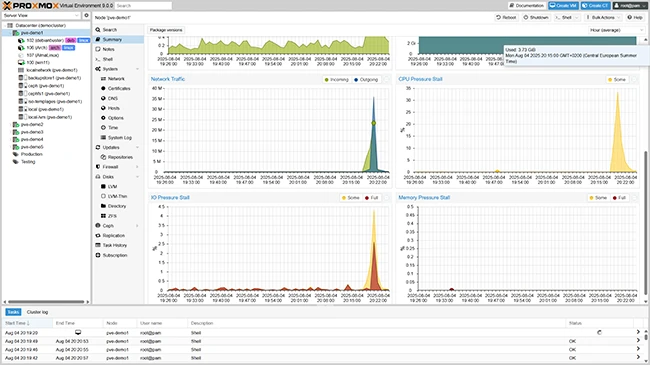
What is Proxmox VE?
Proxmox VE is an open-source platform for virtualization and containerization. It provides a comprehensive solution for managing virtual machines, containers, and storage resources. Proxmox VE is designed to be highly scalable, reliable, and secure, making it an ideal choice for businesses and organizations of all sizes.
Main Features of Proxmox VE
Some of the key features of Proxmox VE include:
- Support for multiple virtualization technologies, including KVM and LXC
- Containerization using LXC and Docker
- Highly available and scalable architecture
- Integrated backup and restore functionality
- Support for multiple storage options, including local storage, NAS, and SAN
Installation Guide
System Requirements
Before installing Proxmox VE, ensure that your system meets the minimum requirements:
- 64-bit CPU with virtualization support
- At least 4 GB of RAM
- At least 20 GB of free disk space
Download and Install Proxmox VE
Download the Proxmox VE ISO file from the official website and create a bootable USB drive or CD/DVD. Boot from the installation media and follow the on-screen instructions to complete the installation.
Proxmox VE Snapshot and Restore Workflow
Creating Snapshots
Proxmox VE allows you to create snapshots of your virtual machines and containers. Snapshots are point-in-time copies of the virtual machine or container, which can be used to restore the system to a previous state.
To create a snapshot, follow these steps:
- Log in to the Proxmox VE web interface
- Select the virtual machine or container you want to snapshot
- Click on the