
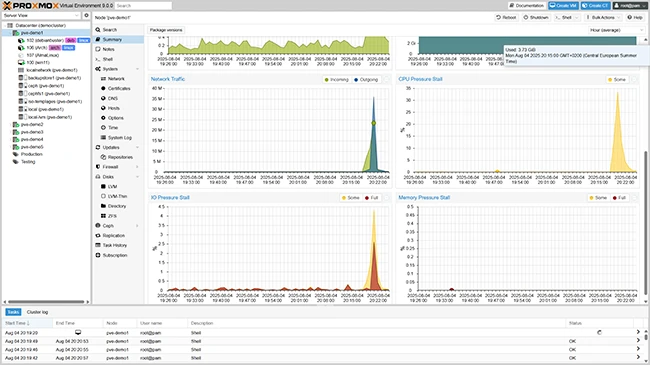
What is Proxmox VE?
Proxmox VE is an open-source server virtualization management platform, which provides a comprehensive solution for virtualization and containerization. It is based on the Debian Linux distribution and uses the KVM hypervisor for virtualization. Proxmox VE offers a user-friendly web-based interface for managing virtual machines, containers, and storage resources.
Main Features
Proxmox VE offers a wide range of features, including:
- Virtualization using KVM
- Containerization using LXC
- High Availability (HA) clustering
- Centralized management using the web-based interface
- Support for various storage solutions, including Ceph and ZFS
Installation Guide
System Requirements
Before installing Proxmox VE, ensure that your system meets the following requirements:
- 64-bit CPU with virtualization support (Intel VT-x or AMD-V)
- At least 2 GB of RAM (4 GB or more recommended)
- At least 2 GB of free disk space for the installation
- A supported network interface card (NIC)
Installation Steps
Here are the steps to install Proxmox VE:
- Download the Proxmox VE ISO file from the official website.
- Create a bootable USB drive using the ISO file.
- Boot from the USB drive and select the installation option.
- Follow the on-screen instructions to complete the installation.
Proxmox VE Snapshot and Restore Workflow
Creating Snapshots
Snapshots are a crucial feature in Proxmox VE, allowing you to create a point-in-time copy of your virtual machine or container. Here’s how to create a snapshot:
- Log in to the Proxmox VE web interface.
- Select the virtual machine or container you want to snapshot.
- Click on the